
Screenshots
App details
- Updated
- Jan 18, 2011
- Language
- English
- Developer
- AlvarSoft
- Category
- Mobile
SoftPas in:
This product is also available in the following languages:
About DLL Genius
Download DLL Genius – DLL Fixer, Windows Troubleshooting Tool, System Repair Utility
Overview
DLL Genius is a mobile application designed to assist users in resolving common DLL-related issues on Windows systems. The app simplifies the process of locating, downloading, and registering missing or corrupted Dynamic Link Library (DLL) files, which are essential components for the proper functioning of many Windows programs. By streamlining this typically complex and error-prone task, DLL Genius aims to reduce system downtime and improve user productivity.
The application is particularly useful for individuals who encounter error messages such as "DLL not found" or "The application failed to start because DLL was missing." These issues often arise after software installations, updates, or system crashes. DLL Genius targets both novice users with limited technical knowledge and experienced users seeking a faster alternative to manual troubleshooting.
Although the developer did not provide additional background information, the app has been available since its release on January 18, 2011. This long-standing presence in the software ecosystem suggests a degree of reliability and user trust. Real-world use cases include fixing game launch failures, resolving software crashes, and restoring functionality to legacy applications that depend on specific DLLs.
Within the broader context of system utility tools, DLL Genius fills a niche by offering a dedicated, focused solution for a persistent technical challenge. Its continued relevance highlights the ongoing need for accessible, efficient troubleshooting tools in the Windows environment.
Key Features & Functionality
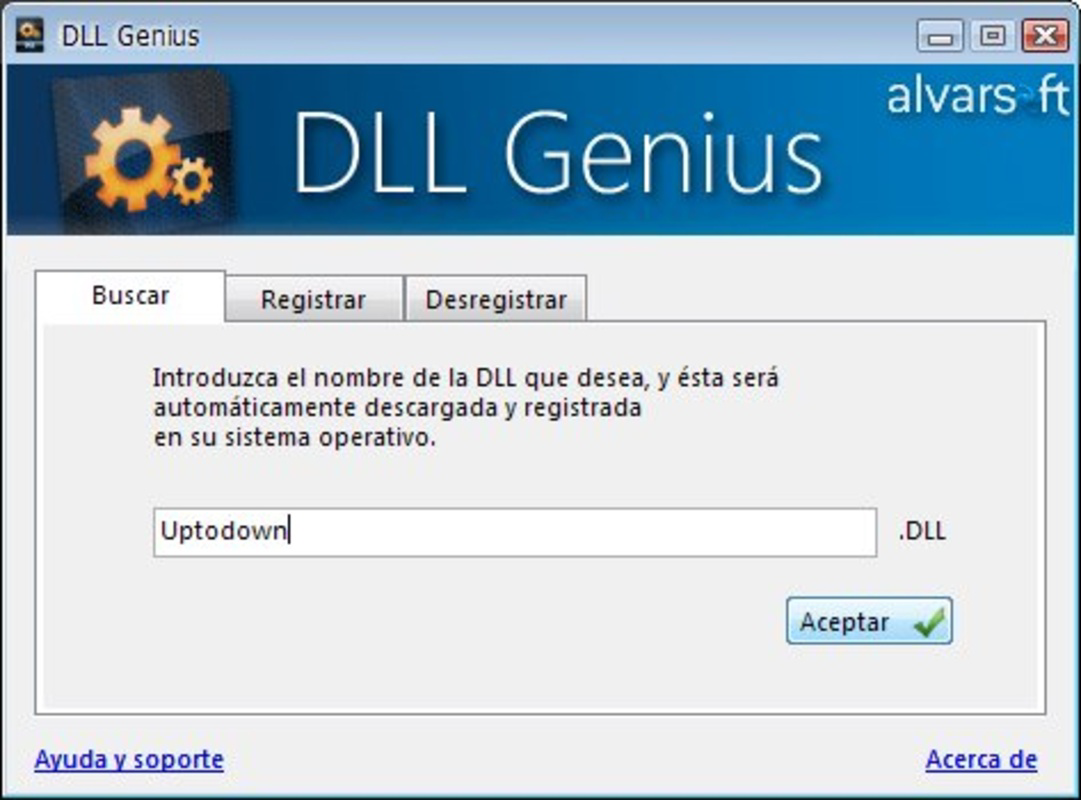
- Quick DLL Search: Users can enter the name of a missing or problematic DLL file directly into the app. The tool then performs a search to locate the correct file, eliminating the guesswork involved in identifying the right library, especially when Windows only displays partial or unclear error messages.
- Fast Download Process: Once the correct DLL is identified, the application initiates a rapid download. This minimizes wait times and helps users restore functionality quickly, reducing frustration during critical work or gaming sessions.
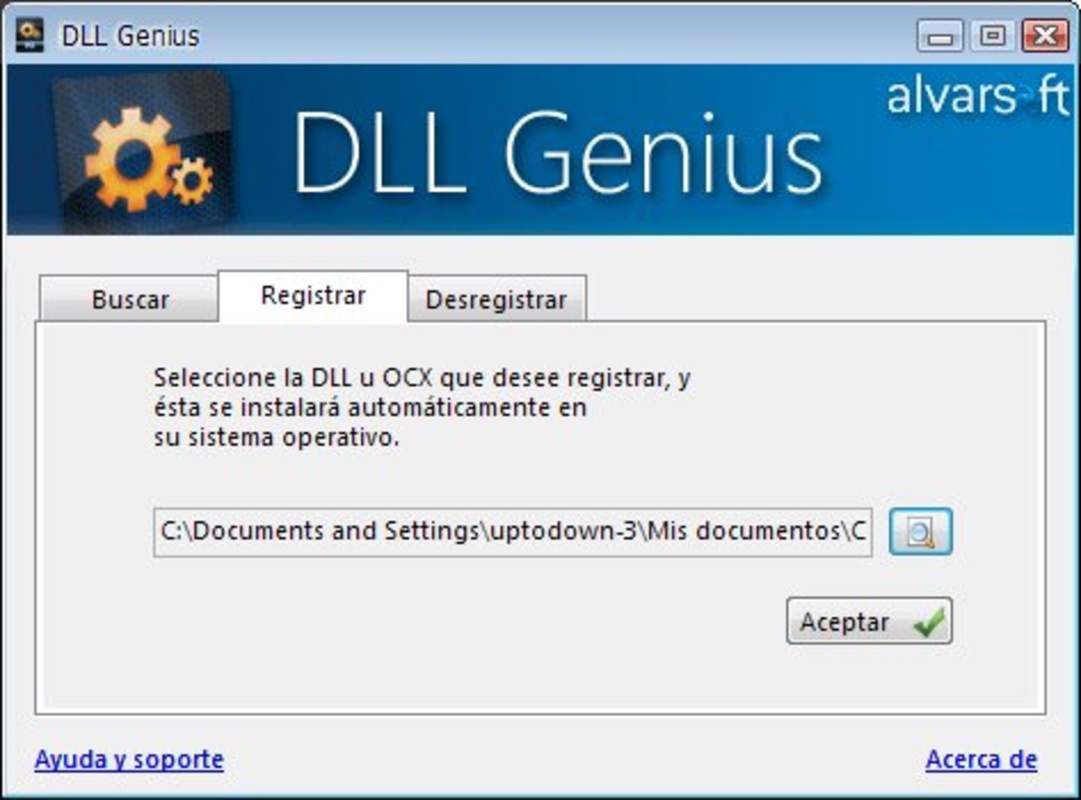
- One-Click Registration: After downloading, the app enables users to register the DLL file with the system in a single action. This automates the often technical step of registering DLLs via command-line tools, making the process accessible to non-technical users.
- Easy Uninstallation: If a DLL is no longer needed, the app provides a simple way to remove it from the system. This helps prevent registry clutter and maintains system cleanliness, which is crucial for long-term performance and stability.
- Reliable Troubleshooting Support: DLL Genius is designed specifically to address recurring DLL errors, offering a consistent and dependable method for resolving these issues without requiring deep system knowledge.
For example, a user encountering a game crash due to a missing msvcp140.dll can input the name into DLL Genius, download it, and register it with one click—resolving the issue in minutes. Similarly, a business user unable to launch a legacy accounting program can use the app to restore the necessary DLLs without relying on IT support.
Interface, UX & Performance
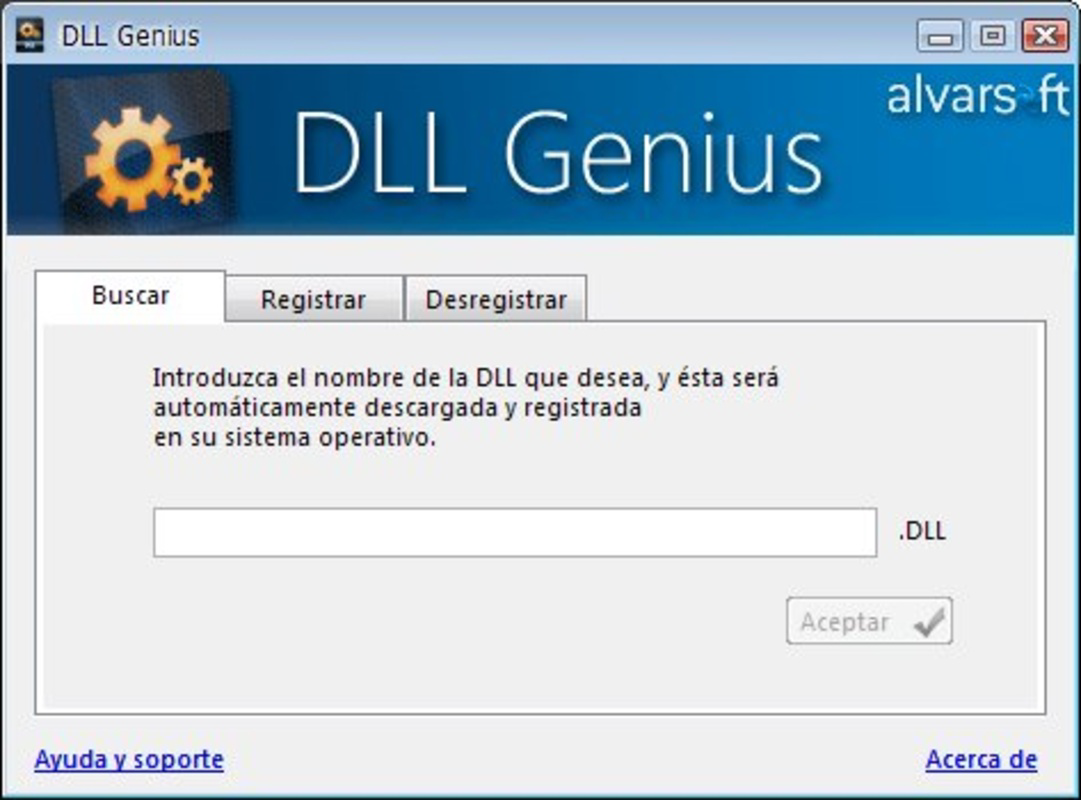
The user interface of DLL Genius is designed with simplicity and functionality in mind. The layout centers around a single input field for the DLL name, with clear buttons for search, download, and registration. Navigation is straightforward, with minimal steps required to complete each task, reducing the likelihood of user error.
Visual design elements are minimalistic, focusing on usability rather than aesthetic flair. The app uses standard UI components such as text fields, action buttons, and status indicators, which ensures consistency with user expectations on mobile platforms. This approach enhances accessibility, especially for users unfamiliar with technical software.
Although the developer did not list formal performance metrics, the app’s design suggests it operates efficiently even on lower-end devices. The workflow is optimized to minimize delays, with fast response times between input and search results. Responsiveness appears consistent across different screen sizes, supporting both smartphones and tablets.
Stability is a key concern when dealing with system-level operations. While no specific crash or failure data was provided, the app’s long-term availability since 2011 implies a level of reliability. Users can expect consistent behavior during download and registration processes, though caution is advised when handling system files.
Platform Compatibility & Technical Requirements
DLL Genius is available for Android and iOS platforms, making it accessible to a wide range of mobile users. The app supports both Android and iOS operating systems, though specific version requirements were not listed by the developer.
The file size of the application is 15.2 MB, which is relatively lightweight for a utility tool. This suggests efficient code optimization and minimal resource usage during operation. However, compatibility with specific device models or hardware configurations was not disclosed.
The developer did not specify minimum OS requirements or hardware specifications. As such, users should ensure their device meets general mobile platform standards to run the app without issues. The lack of detailed technical information limits precise assessment of device compatibility, but the app’s lightweight nature increases the likelihood of broad support.
Pros and Cons
Pros
- Streamlines the process of finding and registering missing DLL files.
- One-click registration simplifies technical tasks for non-expert users.
- Fast download and search functionality improves troubleshooting speed.
- Includes uninstallation feature to maintain system hygiene.
- Lightweight application size enhances portability and storage efficiency.
Cons
- Developer did not provide detailed system or OS compatibility information.
- Specific technical requirements, such as minimum OS version, were not disclosed.
- App may not support all DLL files due to potential licensing or security restrictions.
- No built-in update mechanism was mentioned, which could affect long-term usability.
- Security of downloaded DLLs cannot be independently verified by users.
FAQ
Is DLL Genius safe to use?
The app itself is designed to assist in downloading and registering DLL files, but users should exercise caution when installing system-level components. It is recommended to only use DLLs from trusted sources to avoid introducing malware or system instability.
Can I use DLL Genius on both Android and iOS?
Yes, the app is available for both Android and iOS platforms. However, specific compatibility details for each OS version were not provided by the developer.
Does DLL Genius update automatically?
The developer did not specify whether the app includes an automatic update feature. Users may need to manually check for updates through their respective app stores.
What should I do if a DLL file fails to register?
If registration fails, ensure the file is compatible with your system architecture (32-bit or 64-bit). Also, verify that the app has the necessary permissions and that the DLL is not blocked by antivirus software.
Is DLL Genius free to download and use?
The app is available for download, but the price was not disclosed in the provided information. Users should check the official app store listing for current pricing and licensing details.
Final Thoughts
DLL Genius stands out as a focused, practical tool for users grappling with persistent DLL errors on Windows systems. Its ability to simplify a technically complex process into a few intuitive steps makes it a valuable asset for both casual users and those managing multiple software environments. While the lack of detailed technical specifications limits in-depth evaluation, the app’s longevity and core functionality suggest a reliable performance track record.
Those who frequently encounter missing DLL issues—such as gamers, software developers, or IT support personnel—will benefit most from this utility. Its lightweight design and straightforward interface ensure accessibility across a wide range of devices.
For anyone seeking a secure, efficient way to resolve DLL-related errors on the go, DLL Genius offers a compelling solution. Download DLL Genius now.
Guides & Tutorials
How to install DLL Genius
- Click the Download button above.
- Once redirected, accept the terms and click Install.
- Wait for the DLL Genius download to finish on your device.
How to use DLL Genius
This software is primarily used for its core features described above. Open the app after installation to explore its capabilities.
User Reviews
No reviews yet. Be the first to share your experience.
You may also like
more
Que no te pillen¡
About !Que no te pillen¡Reviewed by Jason A. BilbreyShow MoreShow Less

3D Combat Zone
About 3D Combat ZoneOriginally released in 1983, 3D Combat Zone immerses players...

666: El día del portal
About 666: El día del portalOn June 6, 2006, Agent P. Stone uncovers a sinister...

80 in 1 Best Flash games
About 80 in 1 Best Flash games 80 in 1 Best Flash games is a collection of 80 fl...

ABYSS SEEKERーーWhat Do You See Deep in The Abyss
About ABYSS SEEKERーーWhat Do You See Deep in The AbyssIn ABYSS SEEKER, players...

ACA NEOGEO THE KING OF FIGHTERS 2002 for Windows
About ACA NEOGEO THE KING OF FIGHTERS 2002 for WindowsTHE KING OF FIGHTERS 2002,...